For property owners and landlords
Know what was done to your property, and what it cost.
Your manager looks after the repairs. FaciliTasker shows you each one, from the tenant's first report to the final cost, and asks for your decision only when it is yours to make.
Owning from a distance
You should not have to ask what happened.
You hear about it late
The first you know of a repair is the invoice.
You approve without seeing
A cost arrives with no photo, no estimate and no second option.
The history is not yours
It sits in your manager's inbox and leaves when they do.
The record stays with the property
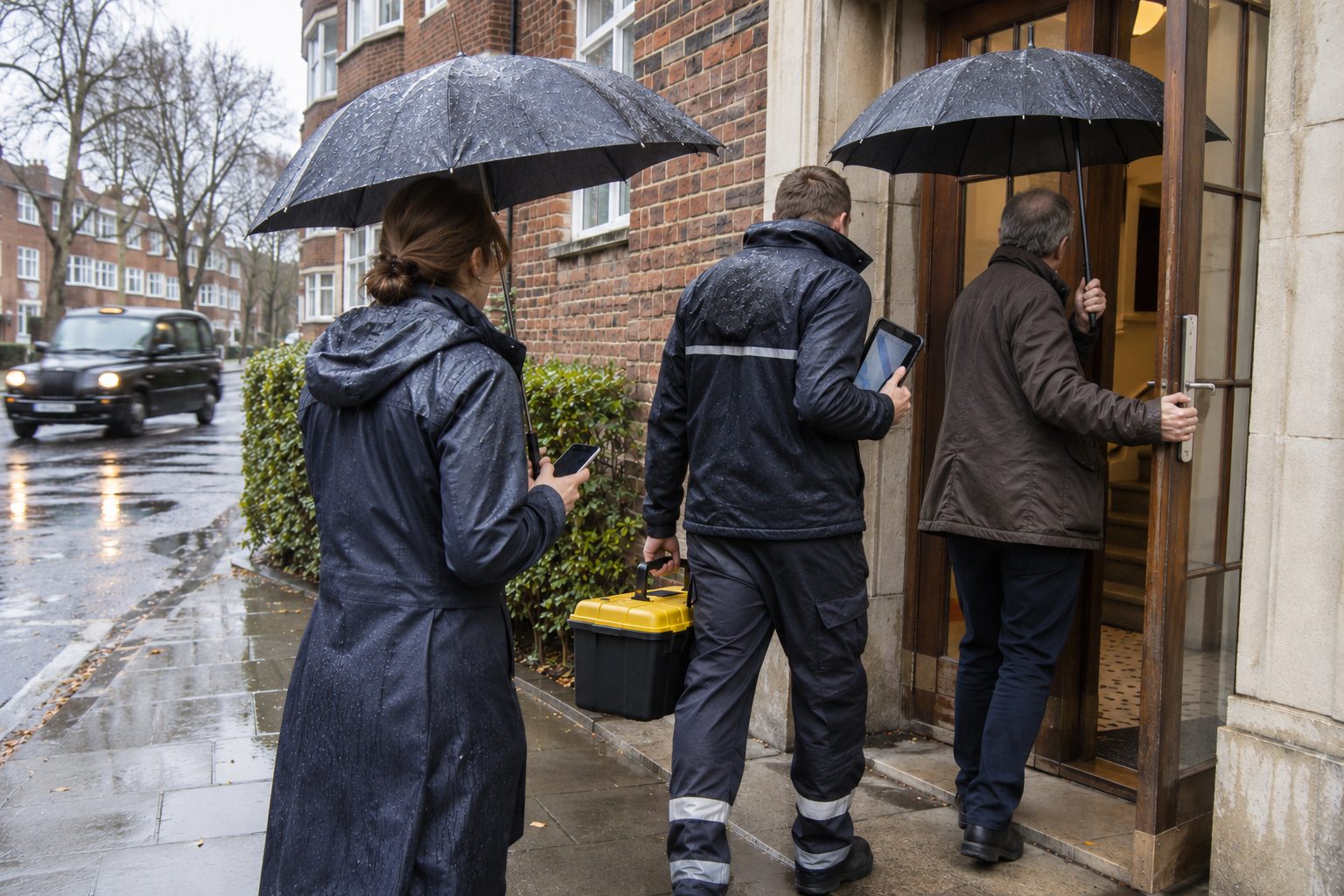
Every repair is kept against the property and the equipment in it. When you change manager or sell, the history goes with the building and not with the people who looked after it.
The loop from your seat
Five moments, and each one reaches you in writing.
- 01
You set the limit
Agree with your manager what they can approve without asking. Small repairs do not wait for you.
- 02
You are asked when it matters
Above your limit, you receive the estimate with photos and the reason for the work.
- 03
You decide from your phone
Approve or decline in one step. The record shows that the decision was yours, and when you made it.
- 04
You see the work
Photos and notes from the engineer show what was done, before and after.
- 05
The report arrives
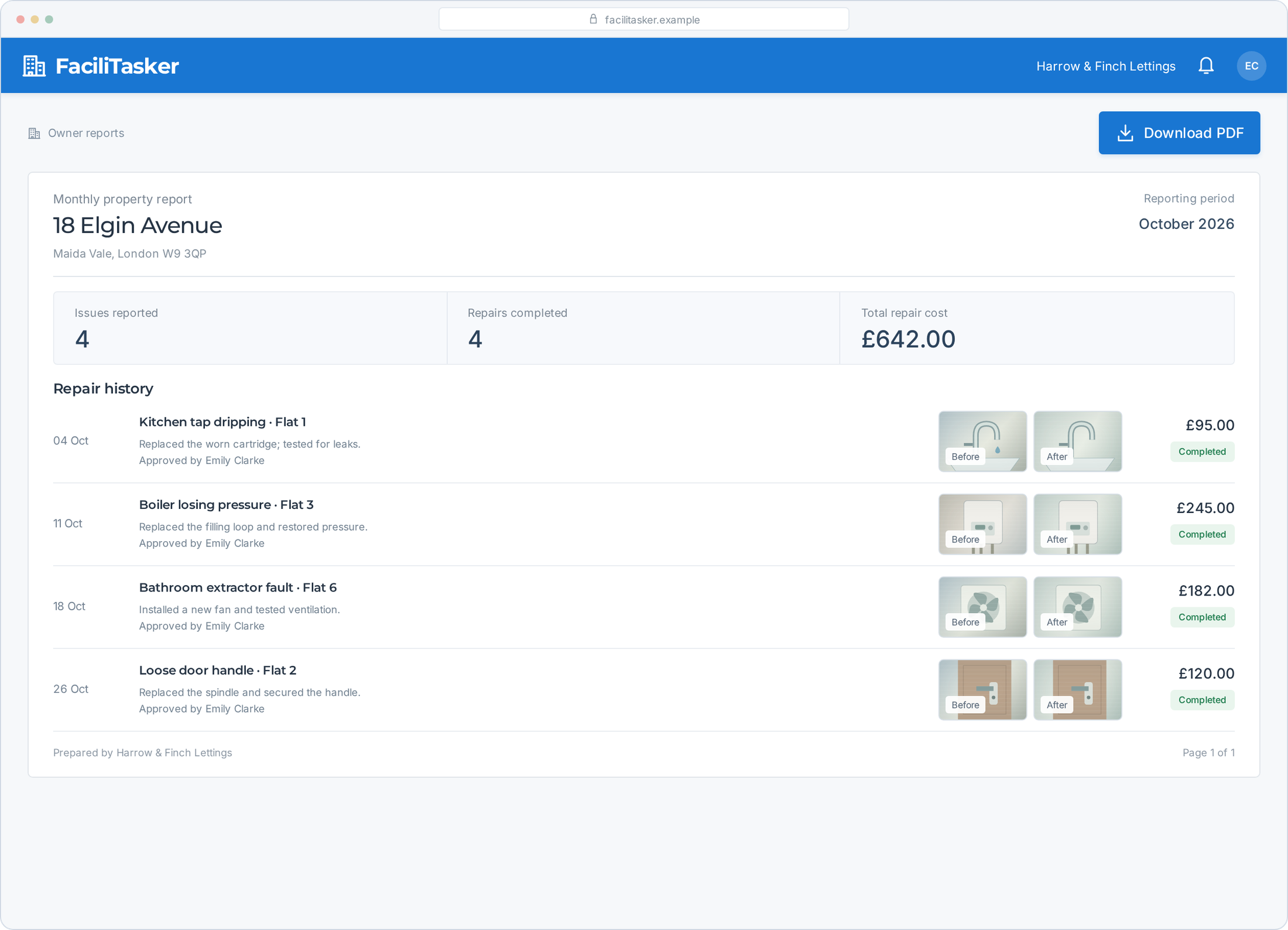
For each property: what was reported, what was done and what it cost.
A decision takes one screen.
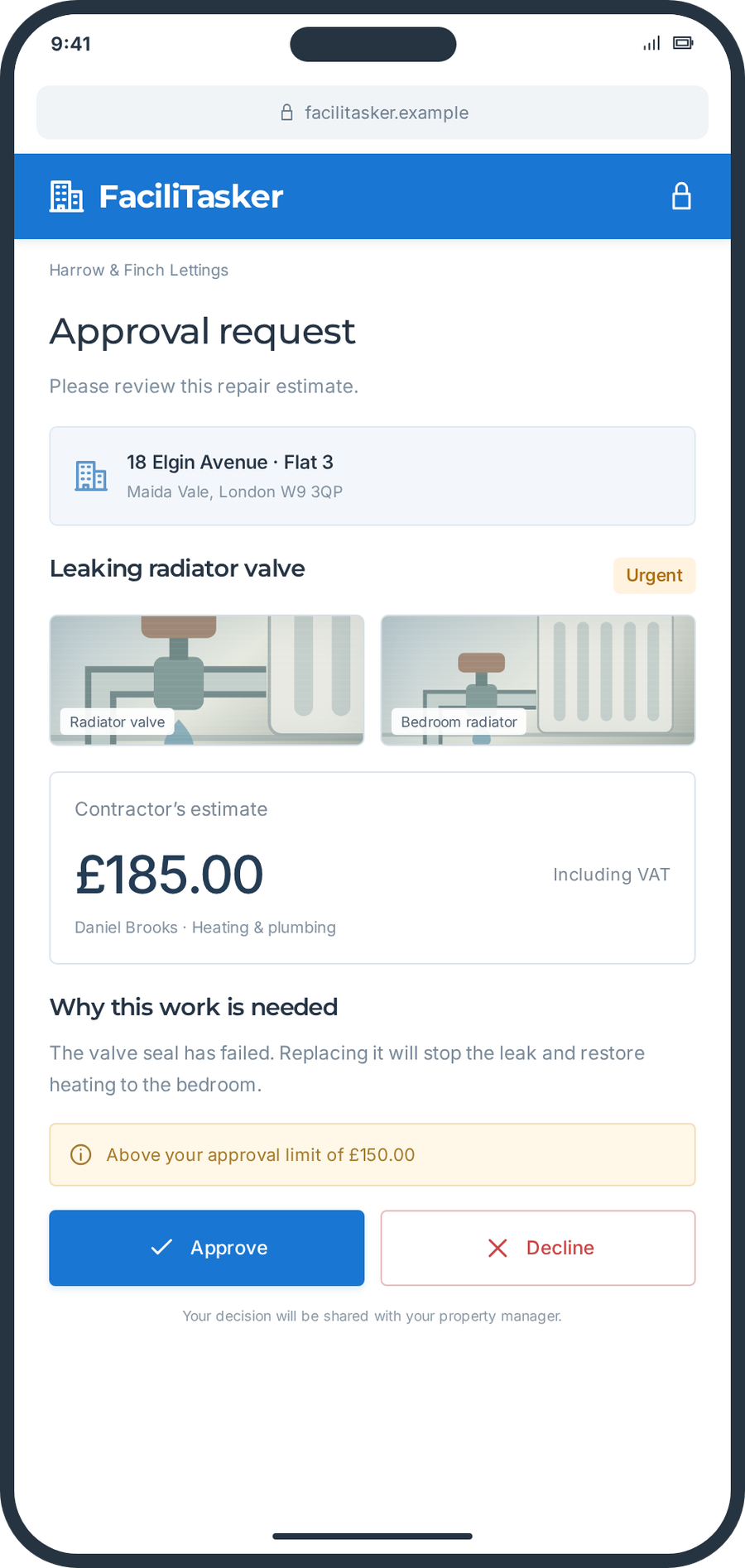
When a repair goes above the limit you set, this is what reaches your phone. Everything you need to decide is on it.
The estimate, in full
The contractor’s price and what it covers, before any work starts.
Photos of the problem
See the fault for yourself, as the tenant photographed it.
Your limit, in plain sight
The request shows your approval limit, so you know why you are being asked.
Approve or decline
One tap, and your manager can act straight away.
Owners abroad
Your property, in a language you read.
If you live in another country, the report reaches you in English, whatever language the tenant, the manager and the contractor worked in. You can follow your property without a phone call across time zones.
Show this to your property managerDoes your manager use FaciliTasker?
Owners do not buy FaciliTasker. Your property manager or letting agent does, and you receive the reports and the approval requests. Show them what it does.
Do you manage your own properties?
Then you are the manager as well as the owner, and the loop works the same way. FaciliTasker is in active development, so we will show you what works today and what is coming next.
Book a demo